

Add up to three ruler guides per axis to align elements in the builder preview. Guides snap to common positions (25%, 33%, 50%, 66%, 75%), and holding Shift gives you precise, unsnapped placement. Switch between percent and pixel display, or click a ruler value to type an exact position.
A grid overlay with adjustable size and opacity helps you spot alignment issues. Upload a design reference image over the preview with adjustable opacity and scale to compare your creative against the original design. Everything is accessible from a compact control panel at the bottom of the preview. Ruler and grid settings are remembered between sessions.

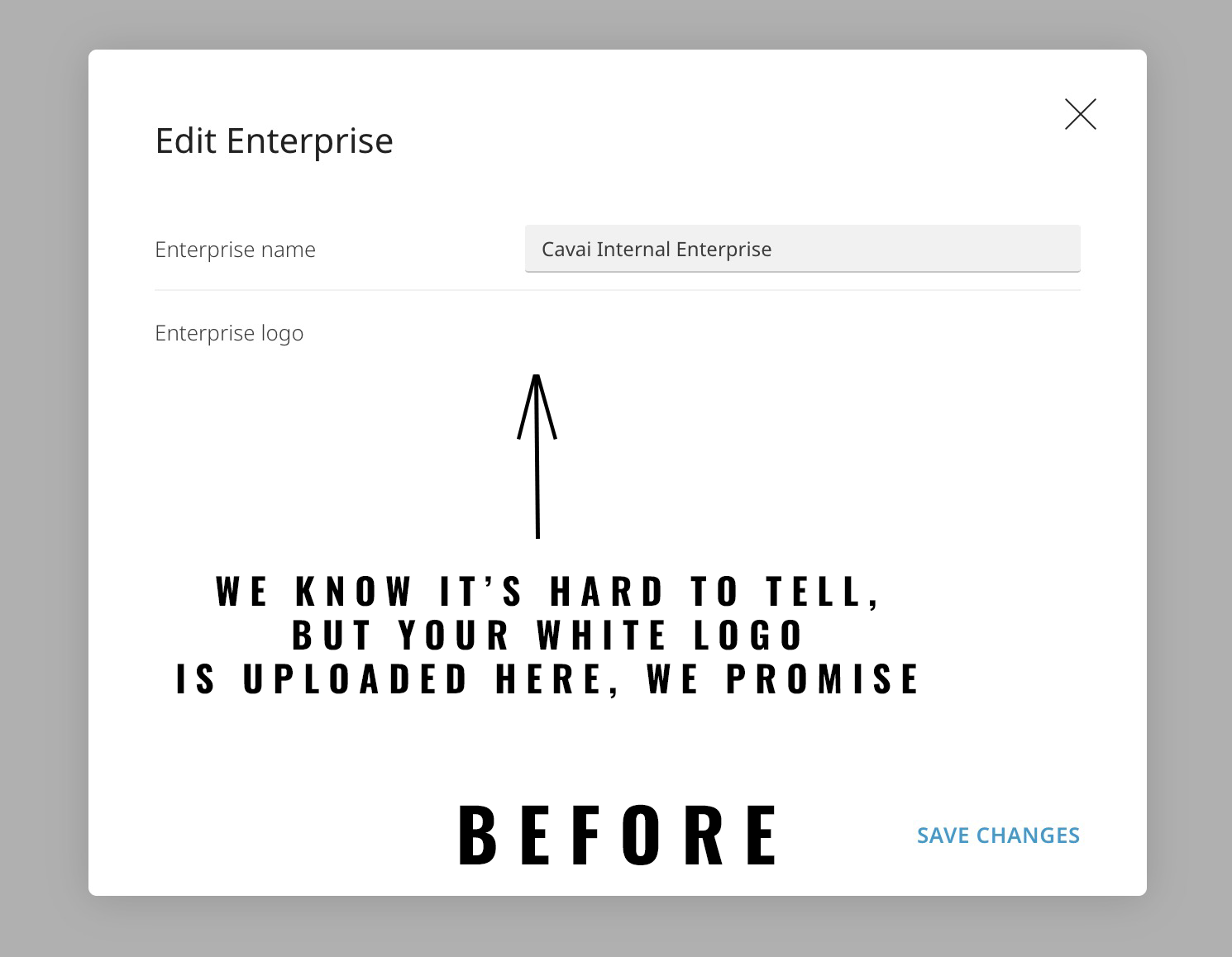
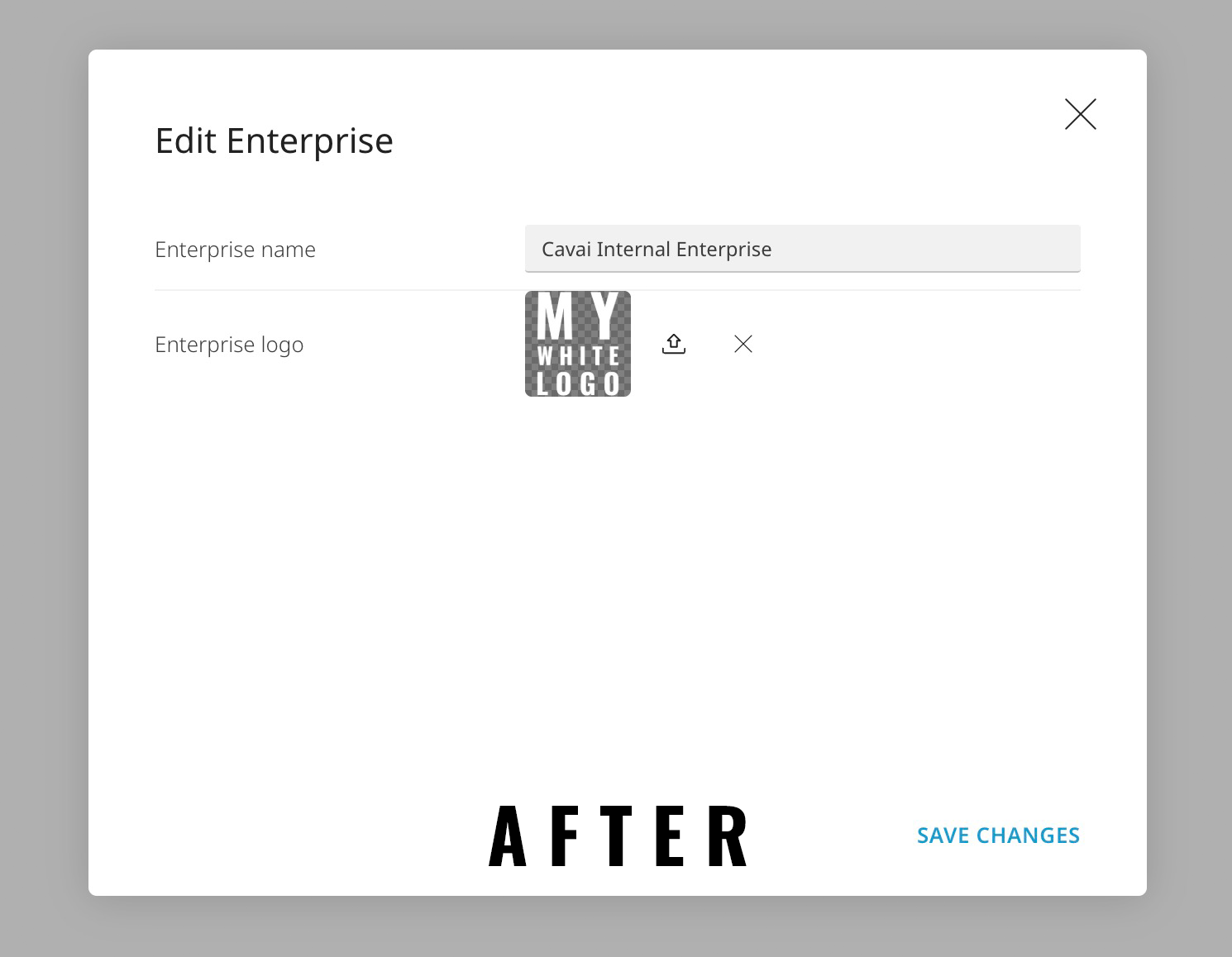
The image uploader used throughout the platform (enterprise logos, brand logos, campaign logos) has a new two-state design: an empty upload zone and an image preview with a checkerboard background so logos are visible regardless of transparency. The preview shows the full image instead of cropping it, and clicking opens a larger view.
Mobile users can now switch from the simplified mobile preview to the full desktop builder preview using a monitor icon in the top bar.
The publish progress bar now shows actual progress from the backend, and the upload toast is synced so it only appears when the publish is actually complete. For mass formats with parallel jobs, the bar shows the averaged progress across all running builds.
Wide enterprise logos in standalone preview are now capped at a reasonable width instead of stretching across the page, the mobile layout no longer lets creatives overlap the top bar, and broken enterprise logo images fall back to the Cavai logo instead of showing a broken image. On the admin side, the close button in user creation no longer traps you on the page, the "Add your first workspace" label no longer assumes it's always your first, and you can now delete enterprise logos.
Fixed a console error that could appear when navigating away from a creative. Pasting a block from one creative into another now works correctly even when the creatives have different block orders. The Page Weight tab in DevTools should now show asset sizes in production builds, not just in local development.
The recent block grouping update introduced automatic name incrementing when duplicating blocks (e.g. "Text #1" becomes "Text #2"), but this prevented custom block names from being preserved. Now fixed: default names increment as expected, but custom names you've set are kept as-is.
The flow now waits for Change operator animations to finish before moving to the next step. Previously the flow would advance immediately, cutting animations short.
Creatives with video that get blocked by browser autoplay policies now fall back to muted playback instead of failing silently.
