← All releases

Application Frontend 9.0.3

September 21, 2026

Full changelog on GitHub →
Search and format tools in code editors

All code editors now have a sticky search bar with match navigation, a one-click format button, and inline quality warnings that highlight issues as you type.

Press Ctrl/Cmd+F to open the search bar in any code editor. Navigate between matches with Enter and Shift+Enter. The format button (previously "Prettify" in HTML blocks) is now available in all code editors with a smaller footprint, and tidies your code in one click. Inline quality indicators highlight potential issues directly in the editor, replacing the preview error screen from 9.0.2 that could block the entire preview on a script error.
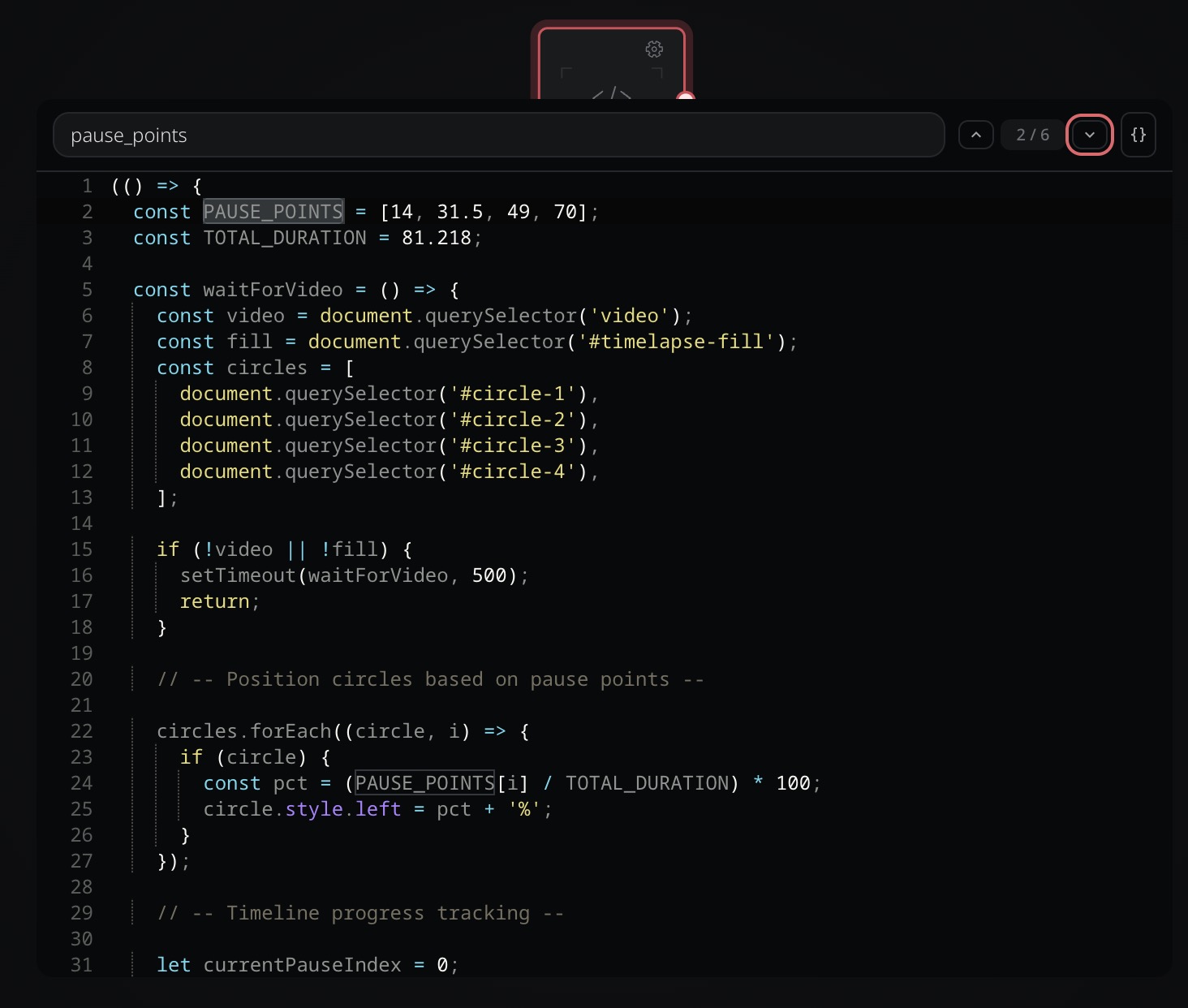
Search bar in a script operator with match highlighting
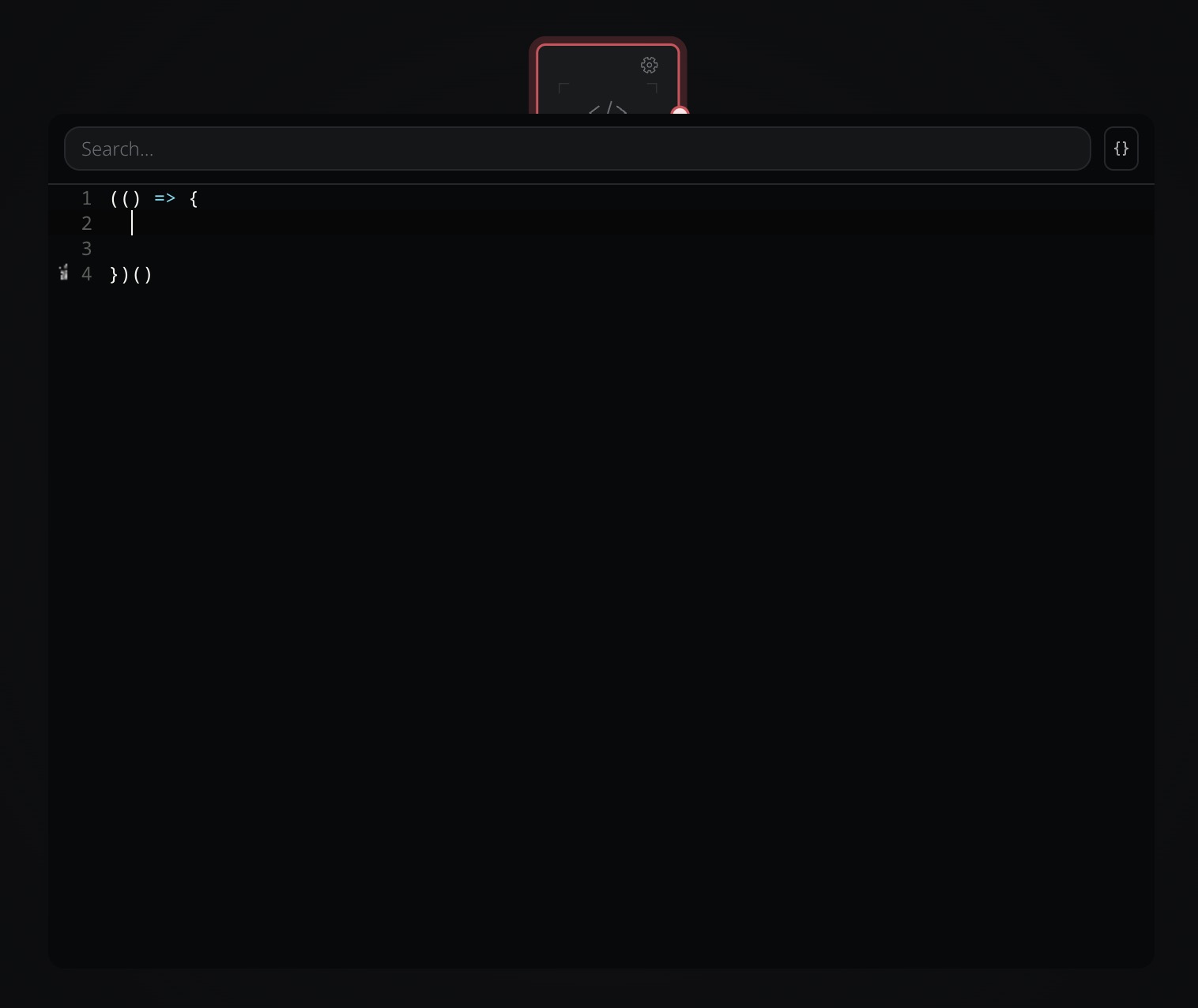
New default script template with a best-practice wrapper (optional, can be removed)
Block group clickthroughs and interactions

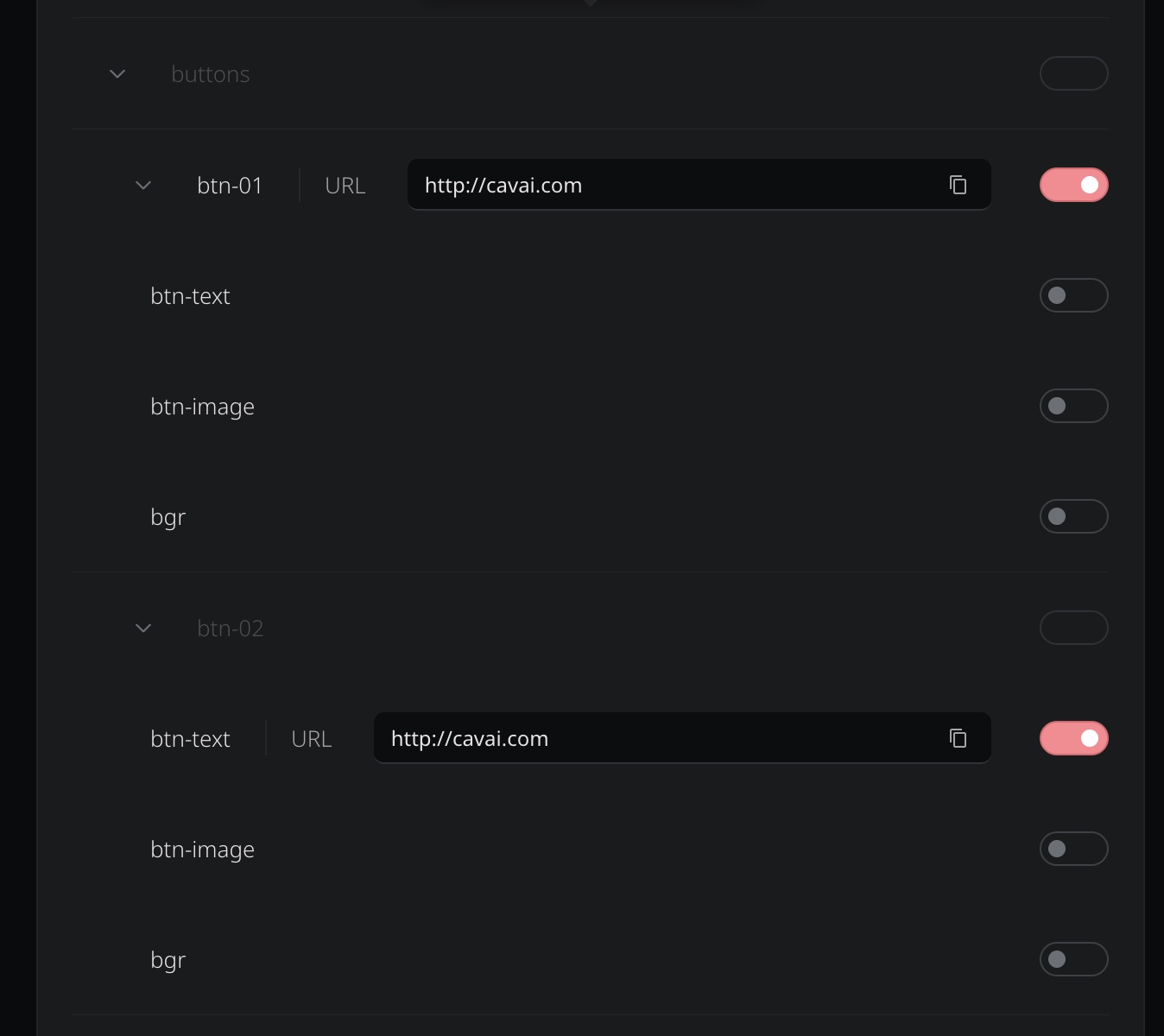
Block groups now support clickthrough URLs, a clickable toggle, and a cursor style picker. Groups appear in the delivery clickthrough list with collapsible nesting that mirrors the block hierarchy.

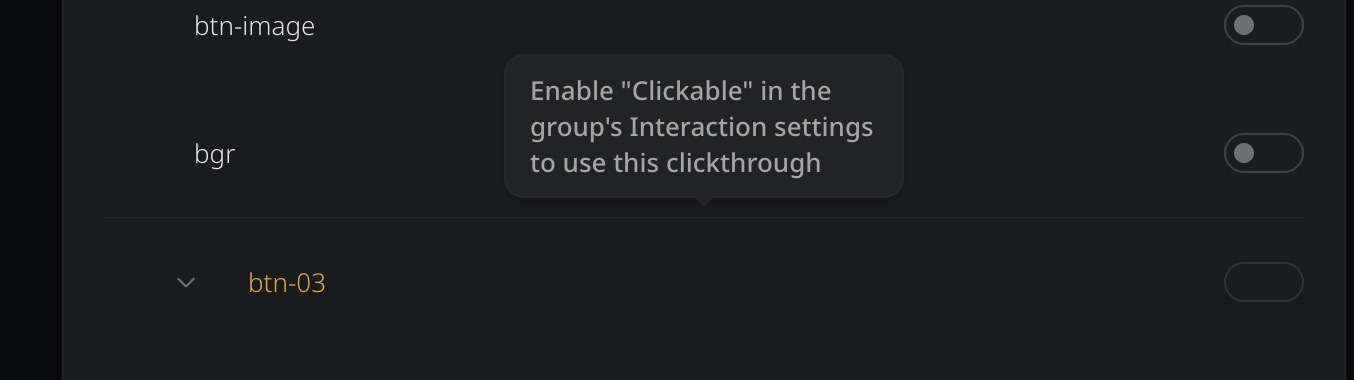
Enable "Clickable" on a group to assign it a clickthrough URL and choose a cursor style. In the delivery tab, groups appear as collapsible sections with their child blocks nested inside. Non-clickable groups show a tooltip explaining how to enable clickthroughs. Groups also appear in script element palettes (like Click Target), so scripts can use groups as click or trigger targets.

The runtime support for clickable groups shipped in Engine 6.20.4.
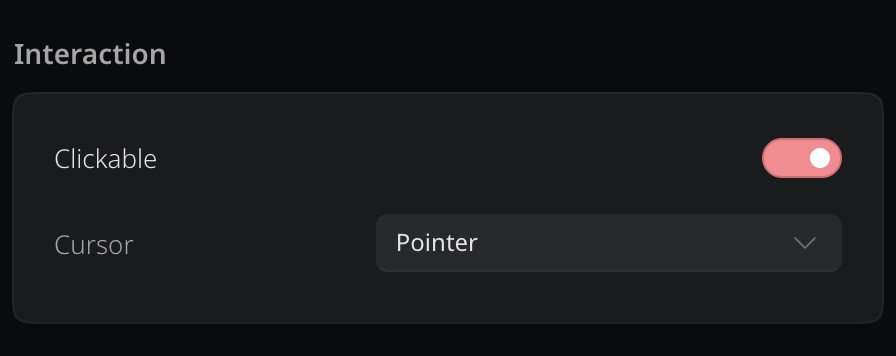
Clickable toggle and cursor style picker on a block group
Groups in the delivery clickthrough list with collapsible nesting
Non-clickable groups show a tooltip explaining how to enable clickthroughs
Modernized phone preview

The phone preview now uses accurate iPhone 16 proportions with a proper Dynamic Island, thinner bezels, and theme-aware styling that adapts to all four themes. The underlying architecture also makes it straightforward to add more device frames in the future if needed.
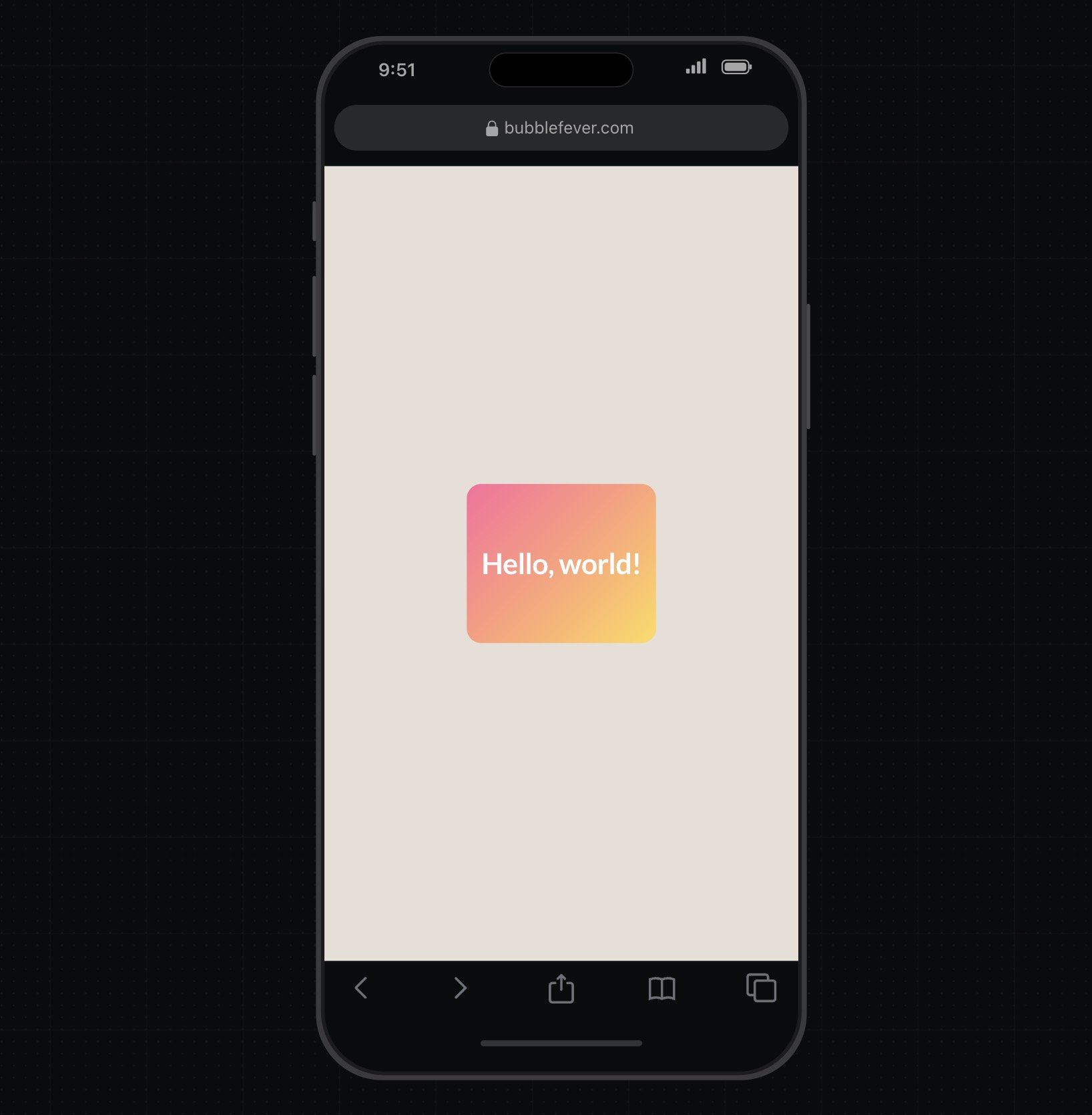
Updated phone frame with iPhone 16 proportions and Dynamic Island
Redesigned reports toolbar and polish

Save, Share, and Export are now visible in the reports header. The default timezone is now UTC, the export and custom metric dialogs have been polished, and data source chips shrink and scroll so action buttons always stay accessible.

Data source chips scroll internally when space is tight, and hovering the "+N more" chip reveals the hidden source names. The export dialog has rounded corners and a clearer download button. The custom metric dialog reorders its buttons to Cancel, Reset, Confirm with a filled accent style. Hover states have been added to the template picker, chart type picker, and radio buttons in report dialogs.

Copy buttons for delivery URLs

Clickthrough URLs in the delivery tab now have a copy button with confirmation feedback, so you can grab links without selecting text manually.

Cleaner editor layout

The template button in HTML blocks now sits inline with the editor toolbar instead of taking its own row, and the configuration panel is slightly wider to prevent unnecessary line wrapping.
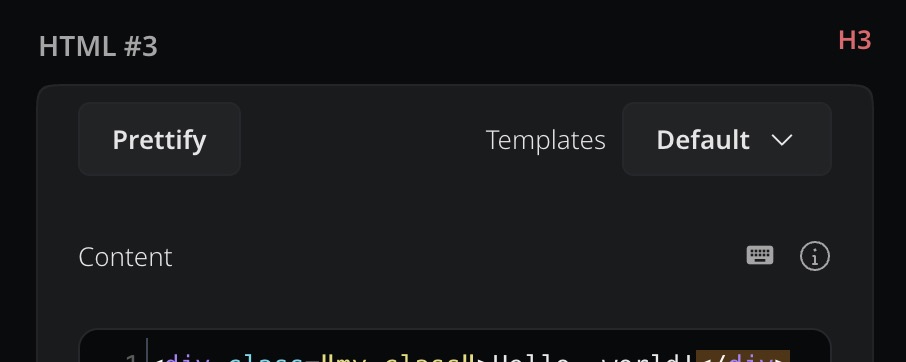
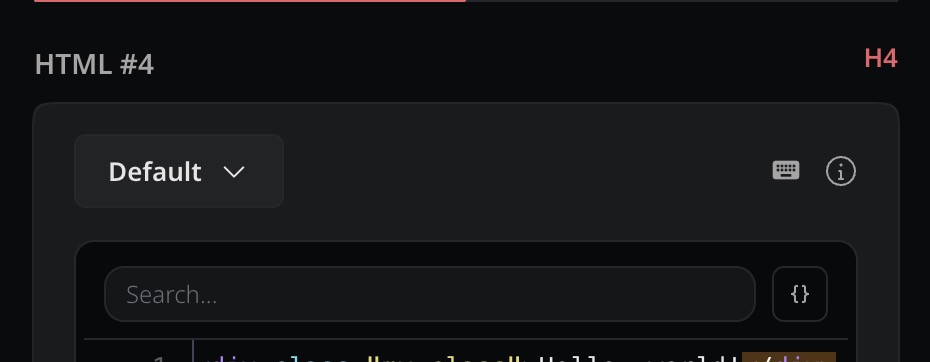
Before: template button on its own row above the editor
After: template button inline with the toolbar icons
Smaller default video controls

The default video controller size is now smaller for a less intrusive look when adding video blocks.

Preview, export, and layout fixes

Clickthrough sections no longer flash when expanded, fullscreen options can no longer scroll behind the navigation bar, and the bulk export dialog has cleaner row spacing.

The template label chip now has better color contrast across all themes.

The preview no longer blocks on script errors; instead, the last successful preview stays visible while inline quality indicators surface issues in the editor.